Hello Storyboard User Manual
Desktop edition (Windows · Mac) PDF
One chapter per menu (13 menus) with every item explained and the dialog each item opens shown — then the work in order: creating a project, drawing, captions, camera and 3D space, making previz, the timeline, sound, and export (PDF, movie, layouts and the editorial round-trip).
Tablet edition (iPad · Android) PDF
One chapter per ☰ menu section (20 sections) with every item explained and each overlay screen shown — then how to do the same work with fingers and pen, centred on the touch shell, pen, wheel button and grid panel.
Video walkthrough — from script to PDF & animatic (desktop · Windows · Mac)
One scene of a script becomes panels, drawings, captions, camera moves, timing and sound, then a PDF storyboard and an animatic — the whole workflow in 9 minutes, narrated in English.
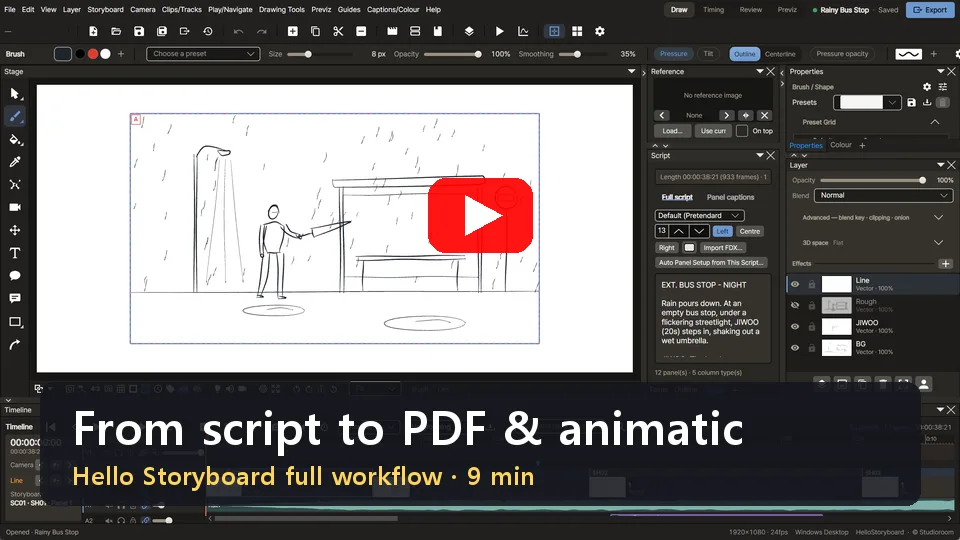
- 0:00 Getting started · Panels from a script
- 0:53 Drawing — layers and brush presets
- 3:13 Captions
- 4:03 Split panels · Layer move · Outline
- 4:52 Camera keys and moves
- 5:37 Timing from dialogue · Transitions
- 6:30 Adding sound
- 7:34 Exporting PDF and video
- 8:37 The result
Video walkthrough — the full workflow on a tablet (iPad · Android)
The same scene built from start to finish on the tablet screen — showing where the layer buttons, panel strip, side drawer and ☰ menu sit under your fingers and pen. 10 minutes, narrated in English.
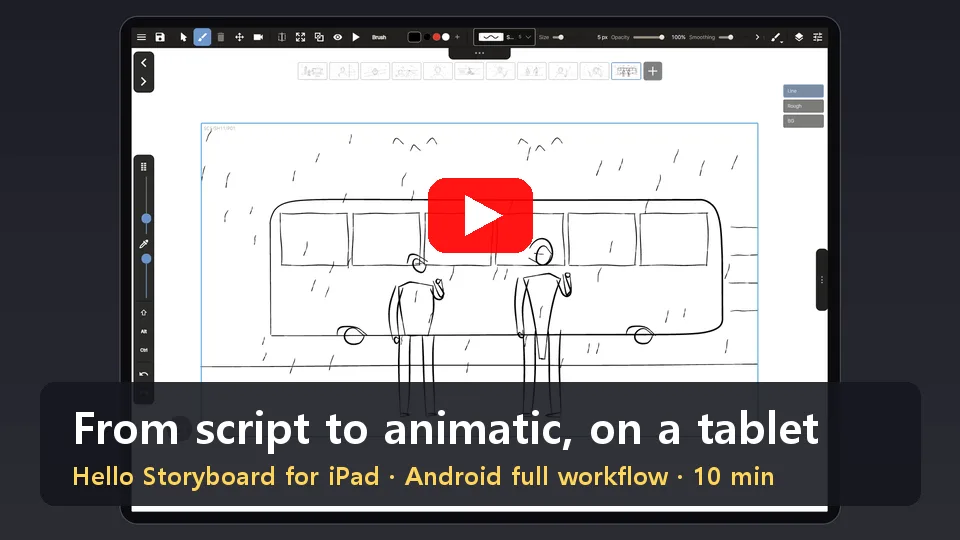
- 0:00 Getting started · Panels from a script
- 0:56 Drawing — layers, presets, pen and arrows
- 3:24 Captions — the Panel tab in the drawer
- 4:21 Split panels · Layer move · Storyboard overview
- 5:13 Camera keys and moves
- 6:01 Timing from dialogue · Transitions
- 6:59 Adding sound
- 7:41 Exporting PDF and video
- 8:44 The result
Open it from the app
- Windows · Mac: Help ▸ User manual… opens this page in your browser.
- iPad · Android: ☰ ▸ File ▸ User manual… opens this page in your device's browser.
- The shortcut table can be viewed and changed in the app under Help ▸ Shortcut list… (the tables in the manual show the defaults).
- The app runs in English, Korean and Japanese — switch under Preferences ▸ Language.
Questions: contact@studioroomkr.com · 한국어 사용설명서